
SmartLab, powered by LearningHub
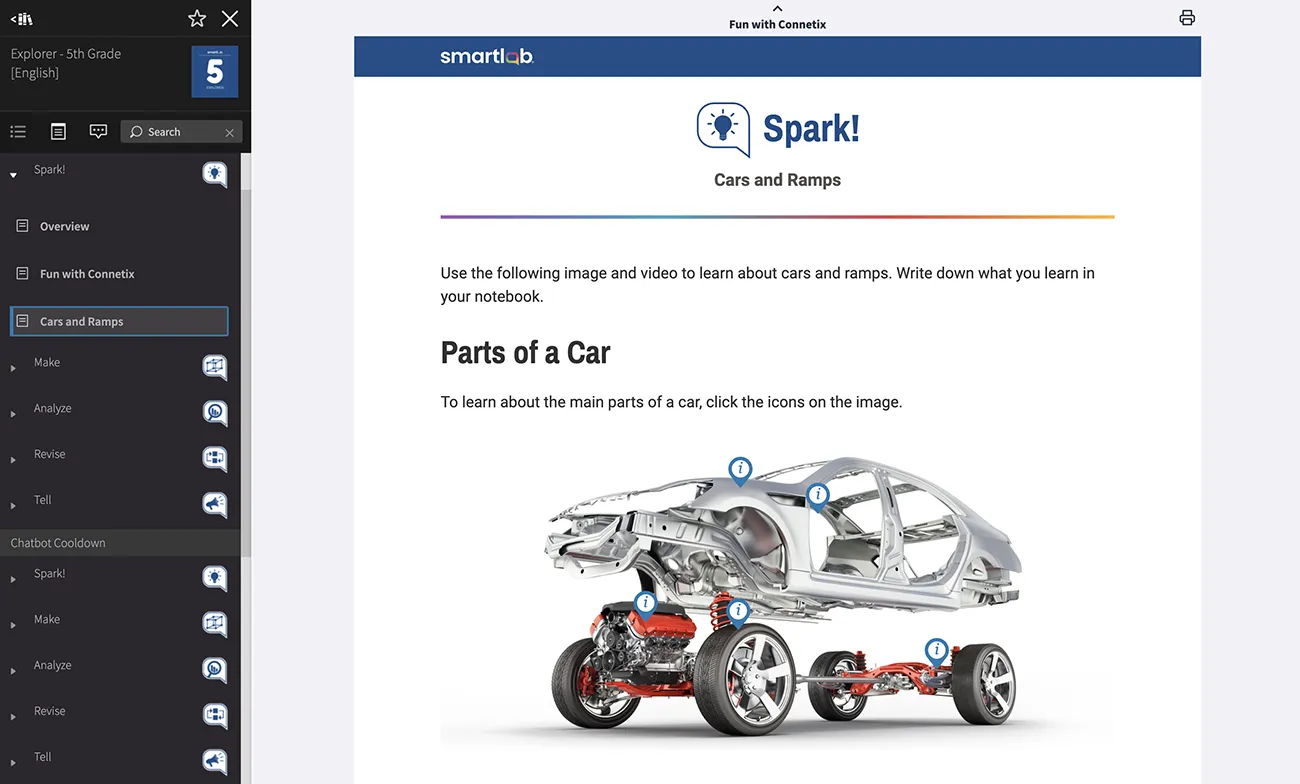
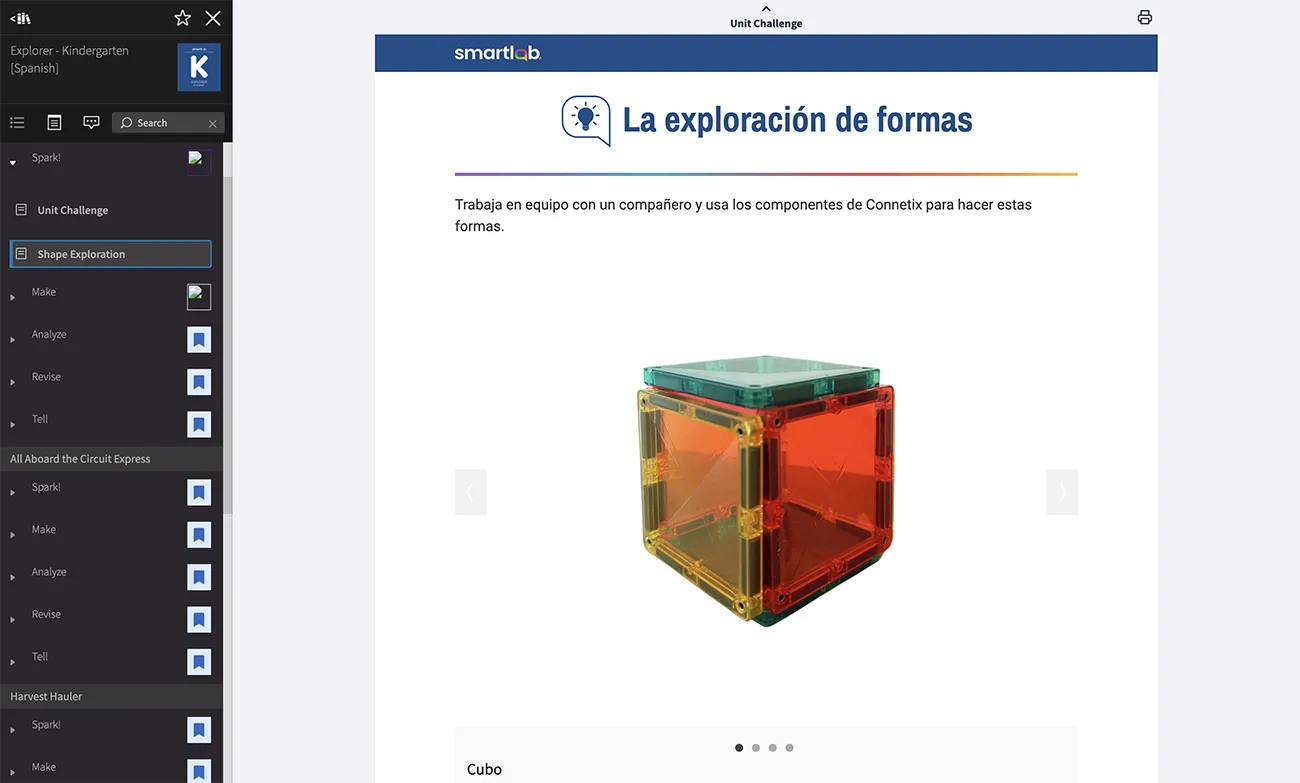
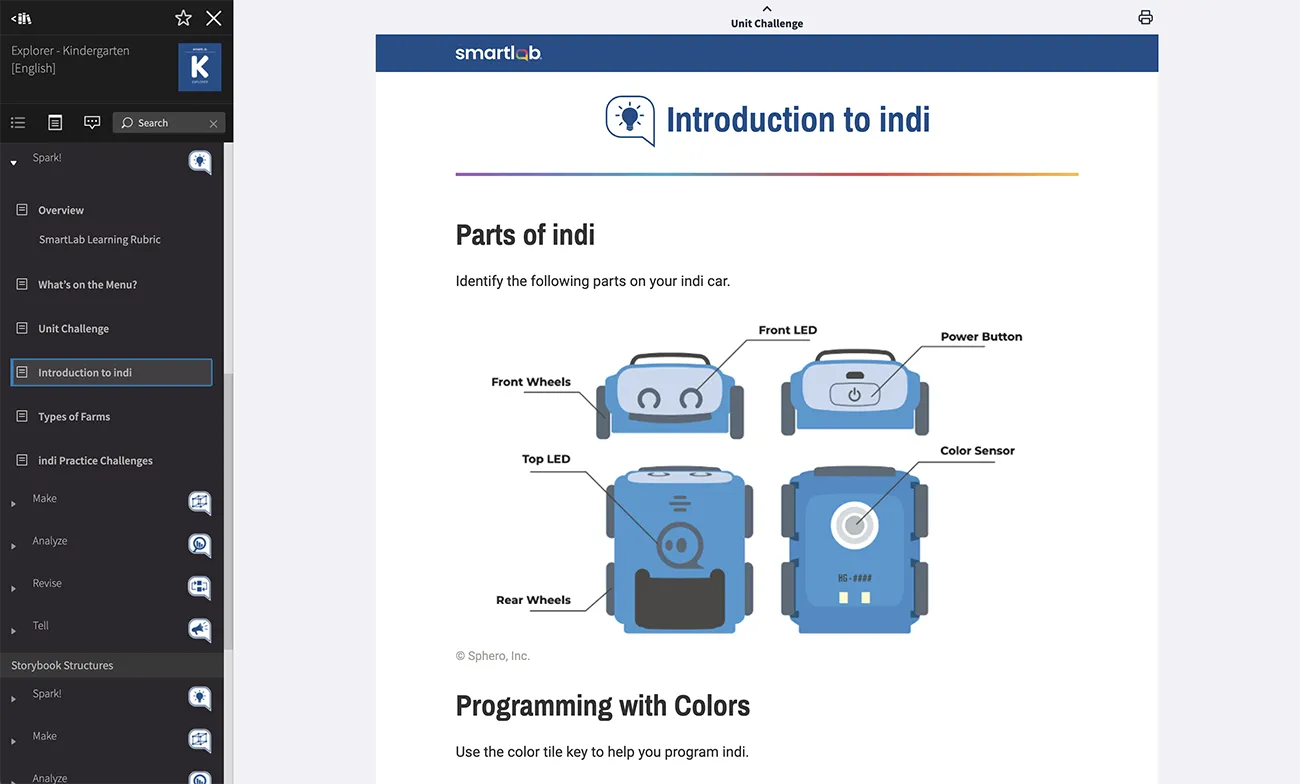
LearningHub is an easy-to-use platform with standards-aligned STEM curriculum that supports the skills students need to problem solve, think critically, and build deep learning in a personalized way.
SmartLab, powered by LearningHub, inspires today’s students to become tomorrow’s leaders, change-makers, and engaged citizens.

Getting Started: Steps to Integrate with LearningHub
**After Setup has been completed, you can access the new LearningHub at the following link: New LearningHub **
1. Identify a person with IT admin privileges for your LMS or SIS systems. That person should complete the remaining steps.
2. Review the supported data providers here. Determine which of your systems you will integrate with.
*Note: If you have an LMS, we recommend using that. It usually requires less support than the SIS or IP options!
3. In the LMS or SIS system you are using, confirm that your SmartLab facilitator is enrolled as a teacher and assigned to a class with SmartLab students.
4. Navigate to EdLink SSO Integration Portal, then click Get Started to begin the step by step process. For additional support documentation, including troubleshooting support, select your provider on the left-hand table of contents here.
5. Validate your connection.
If the Validate Source button is highlighted, select it to confirm your source is properly connected.
If not, please reach out to support@creativelearningsystems.com.
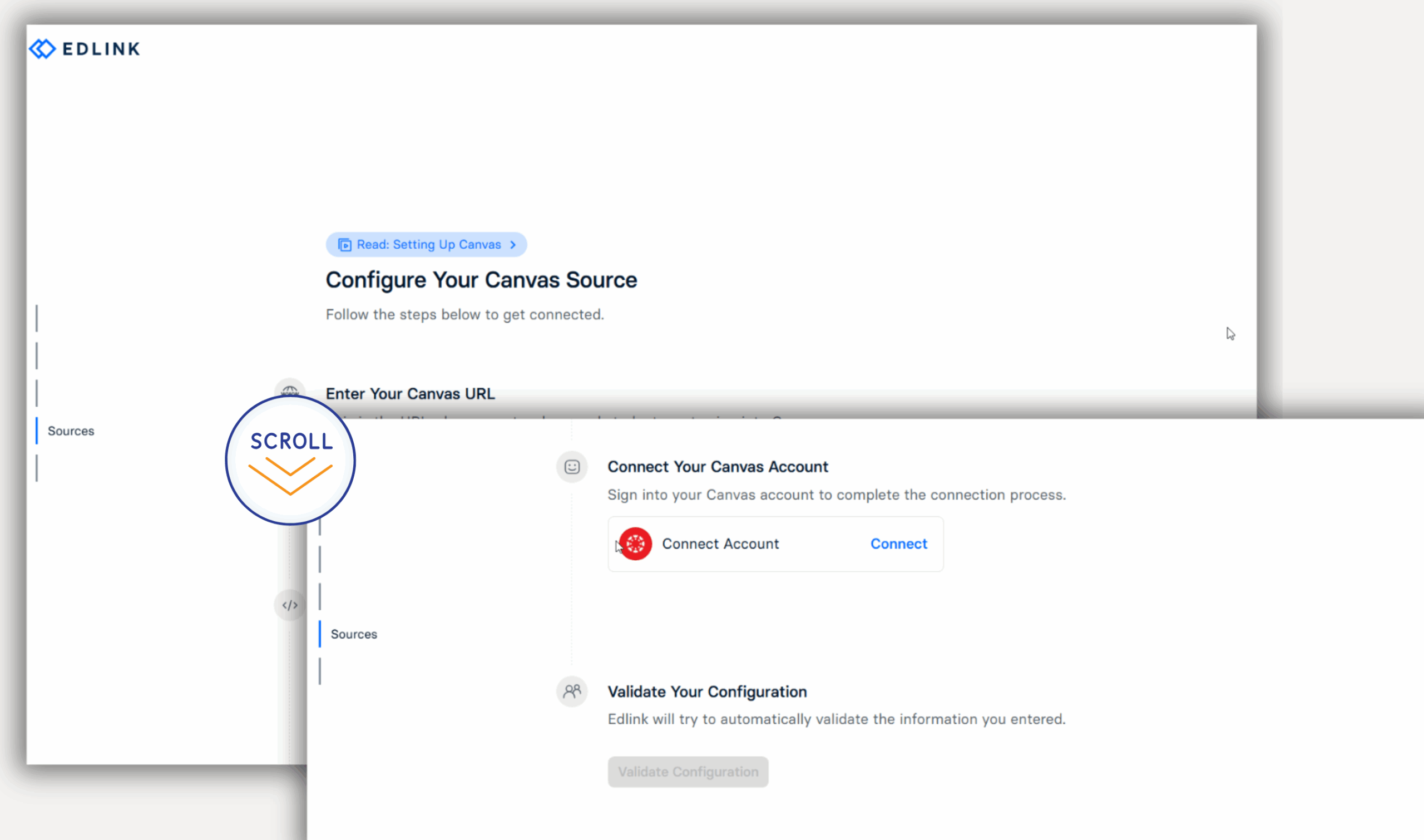
6. Follow this documentation to add Sharing Rules.
Sharing rules control the scope of data shared through the EdLink integration. They are the essential tool for data minimization and ensuring privacy compliance.
As a best practice, we recommend districts limit sharing to:
- Schools within the district that currently have a SmartLab implementation,
AND/OR
- Specific teachers associated with SmartLab courses or learning experiences
Things to Note
- Once integration is complete, please allow 24 hours for the systems to sync before attempting to log in to LearningHub. Alert your facilitator that they can access LearningHub at the following link: LearningHub. (Learn how to update your LearningHub URL Shortcut HERE)
- Your SmartLab Facilitator must log in using SSO before their students will be able to.
Important Considerations
Once integration is complete, please allow 24 hours for the systems to sync before attempting to log in to LearningHub. Alert your facilitator that they can access LearningHub at the following link: LearningHub.
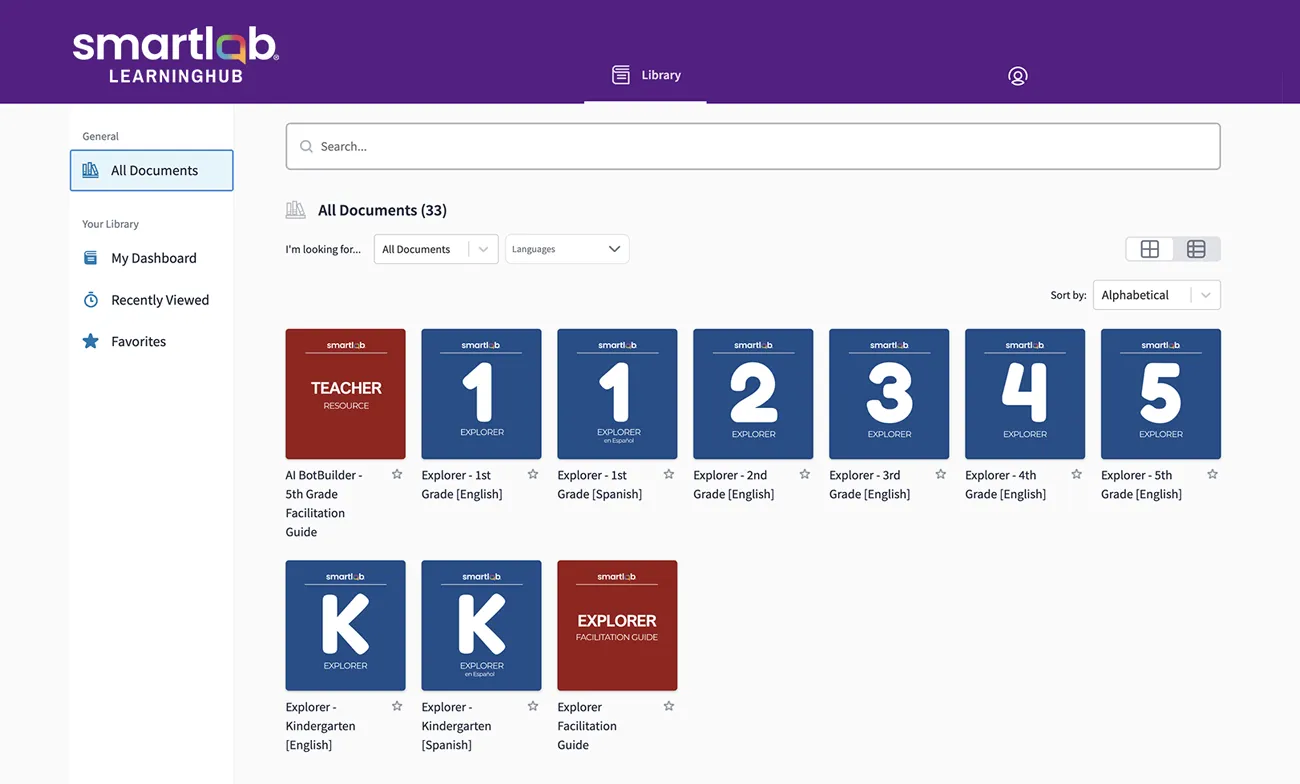
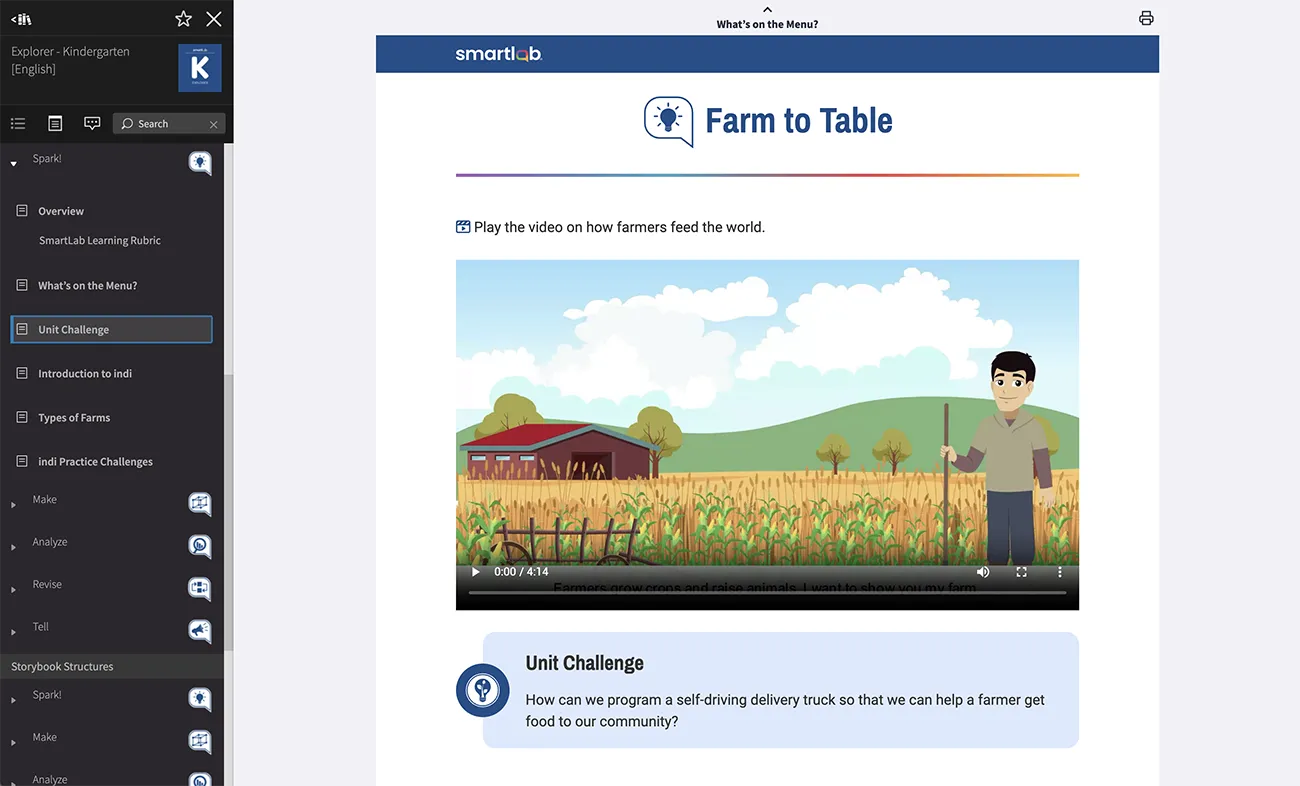
Experience SmartLab, powered by LearningHub
We’re Here for You
If you have any questions or need assistance with your integration, contact our support team.
Thank you for being a valued member of the SmartLab community. We can’t wait for you and your learners to discover what’s ahead!
