
Plan Your Open House or Ribbon Cutting Ceremony
The following resources should help you get started!
“Watch This Space!” Banners
Elementary Banners
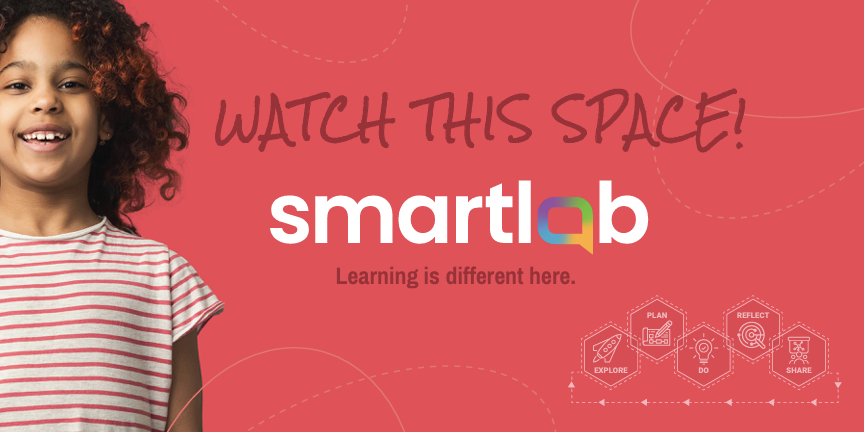
Use this file to print your own 8 foot x 4 foot poster.
Use this file if you’re sending the image to a printer to make your 8 foot x 4 foot poster.
High School Banners

Use this file to print your own 8 foot x 4 foot poster.
Use this file if you’re sending the image to a printer to make your 8 foot x 4 foot poster.
Ribbon Cutting & Open House Materials
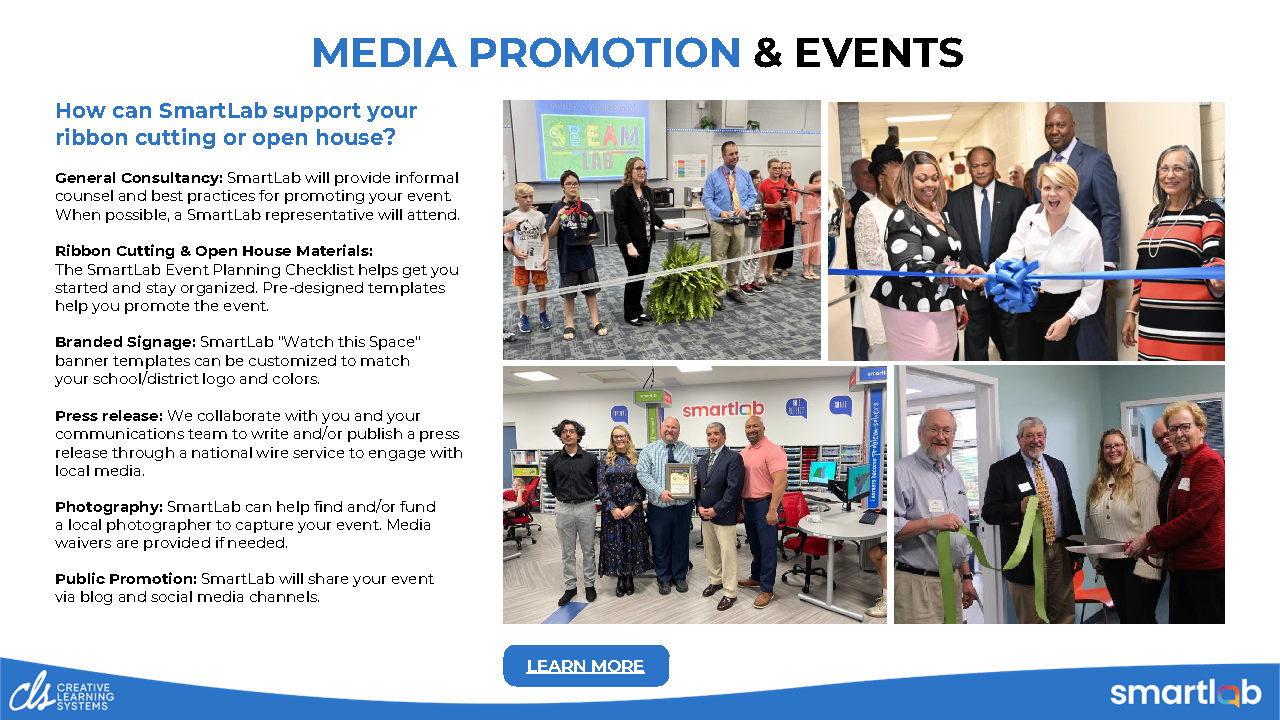
Ribbon Cutting Social Media

To Download the Image: Right Click, and select “Save As” from the context menu.

To Download the Image: Right Click, and select “Save As” from the context menu.
Ribbon Cutting Announcement Email Templates
Open House Event Posters: Elementary
(No-bleed version: Use this version if you’re printing this yourself)
(Bleed version: Use this version if you’re sending to a printer)
Open House Event Posters: General
(No-bleed version: Use this version if you’re printing this yourself)
(Bleed version: Use this version if you’re sending to a printer)
Open House Event Posters: High School
(No-bleed version: Use this version if you’re printing this yourself)
(Bleed version: Use this version if you’re sending to a printer)
Open House Announcement Email Templates
Open House Social Media

To Download the Image: Right Click, and select “Save As” from the context menu.

To Download the Image: Right Click, and select “Save As” from the context menu.
For Press Releases and Photos
Press Release Samples:
Sample 1 (private school; includes sponsor information)
Sample 2 (public school; includes sponsor information)
Sample 3 (private school)
Be sure that you have permission to record the people at your event!